[NOTICE] PENUP VER. 3.9.21 - SECOND UPDATE
Hello, PENPLEs!
The second update of PENUP version 3.9.21 has been released.
With the release of the new tablet ‘Galaxy Tab S11’, the ‘Quick tools’ feature has been introduced.
With this update, the ‘Quick tools’ feature has been expanded to all devices.
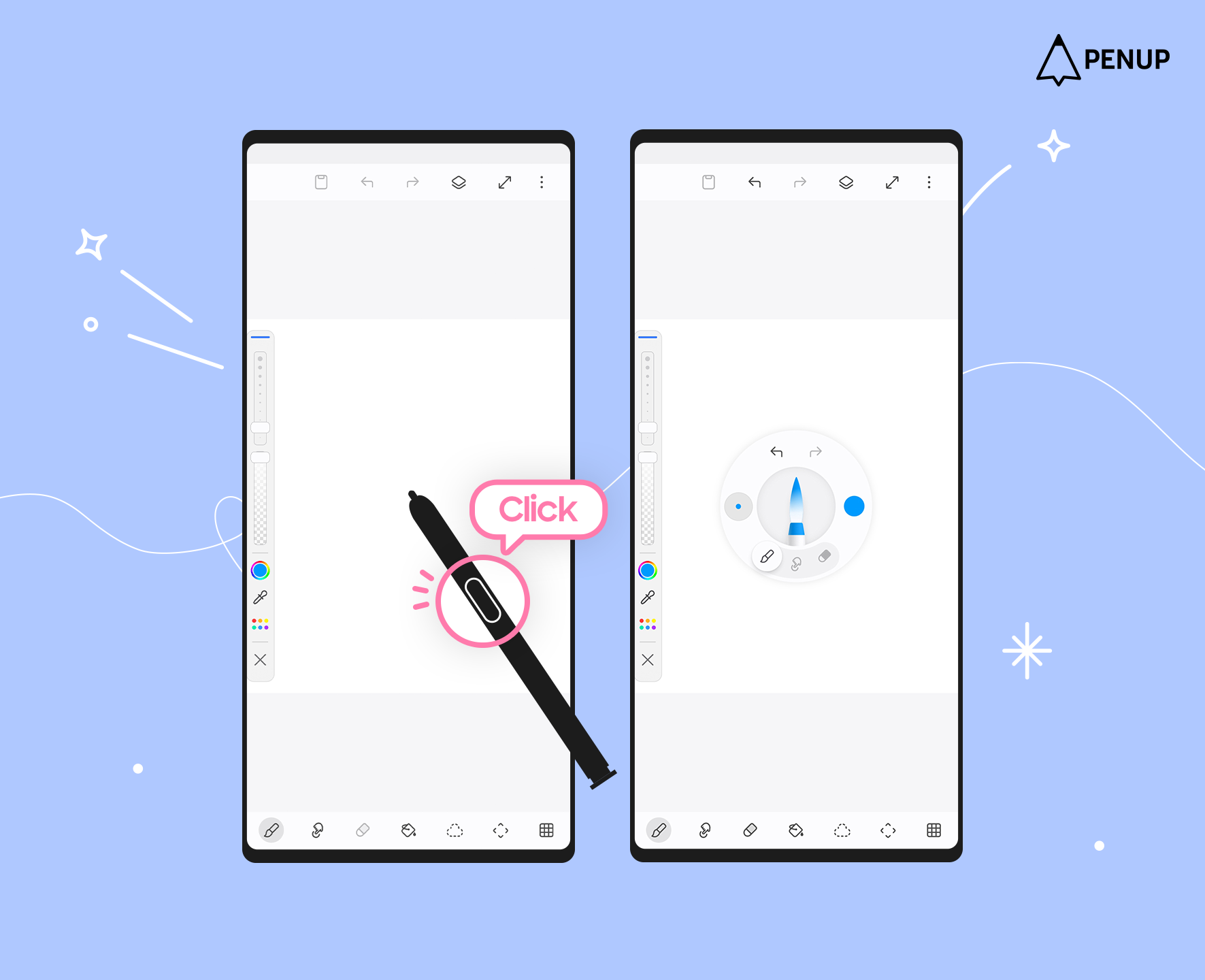
While drawing, press the S Pen button while it’s close to the screen, and the ‘Quick tools’ menu will appear for quicker access to your tools.
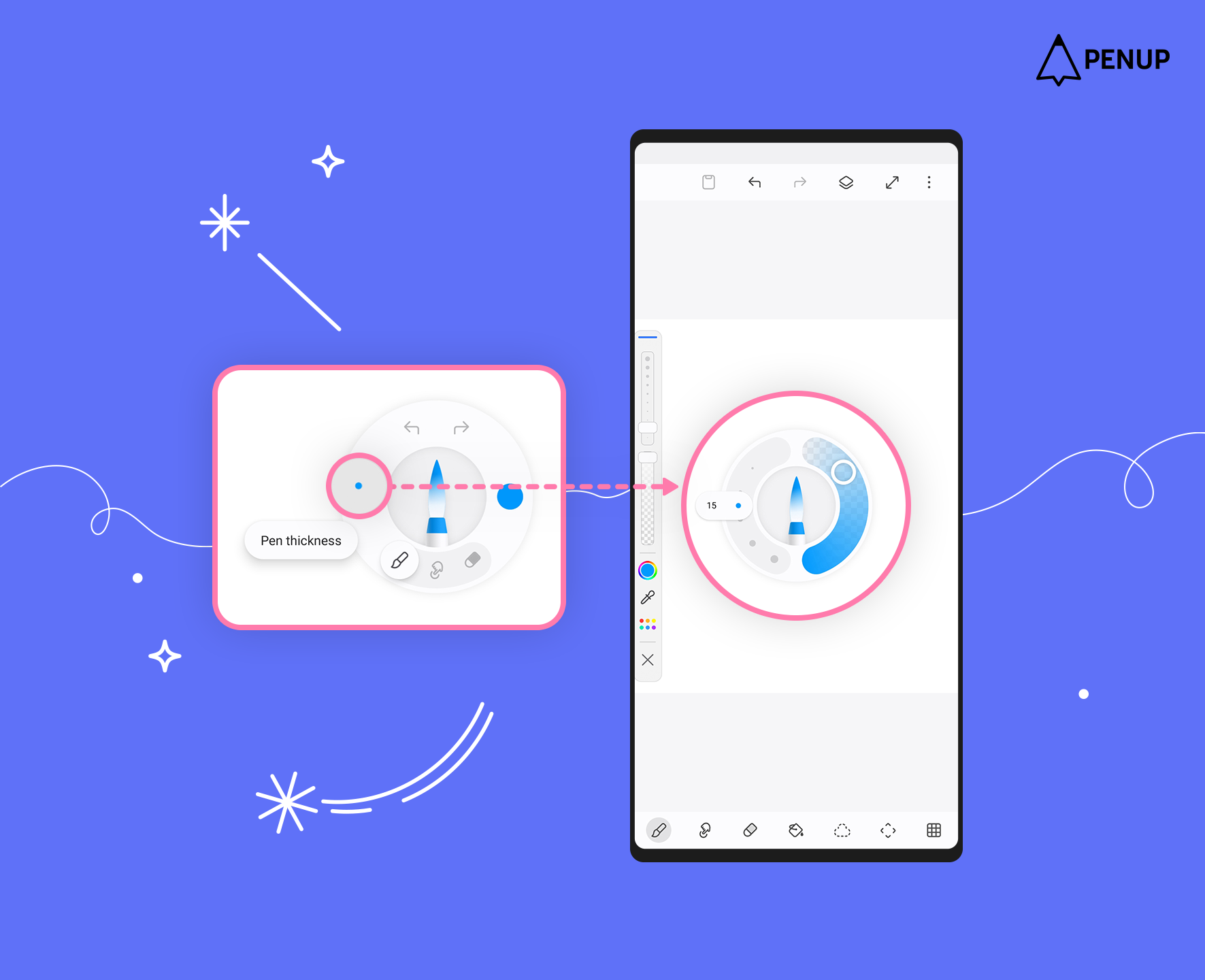
By tapping the ‘Pen thickness’ button on the left, you can adjust the brush size and opacity.
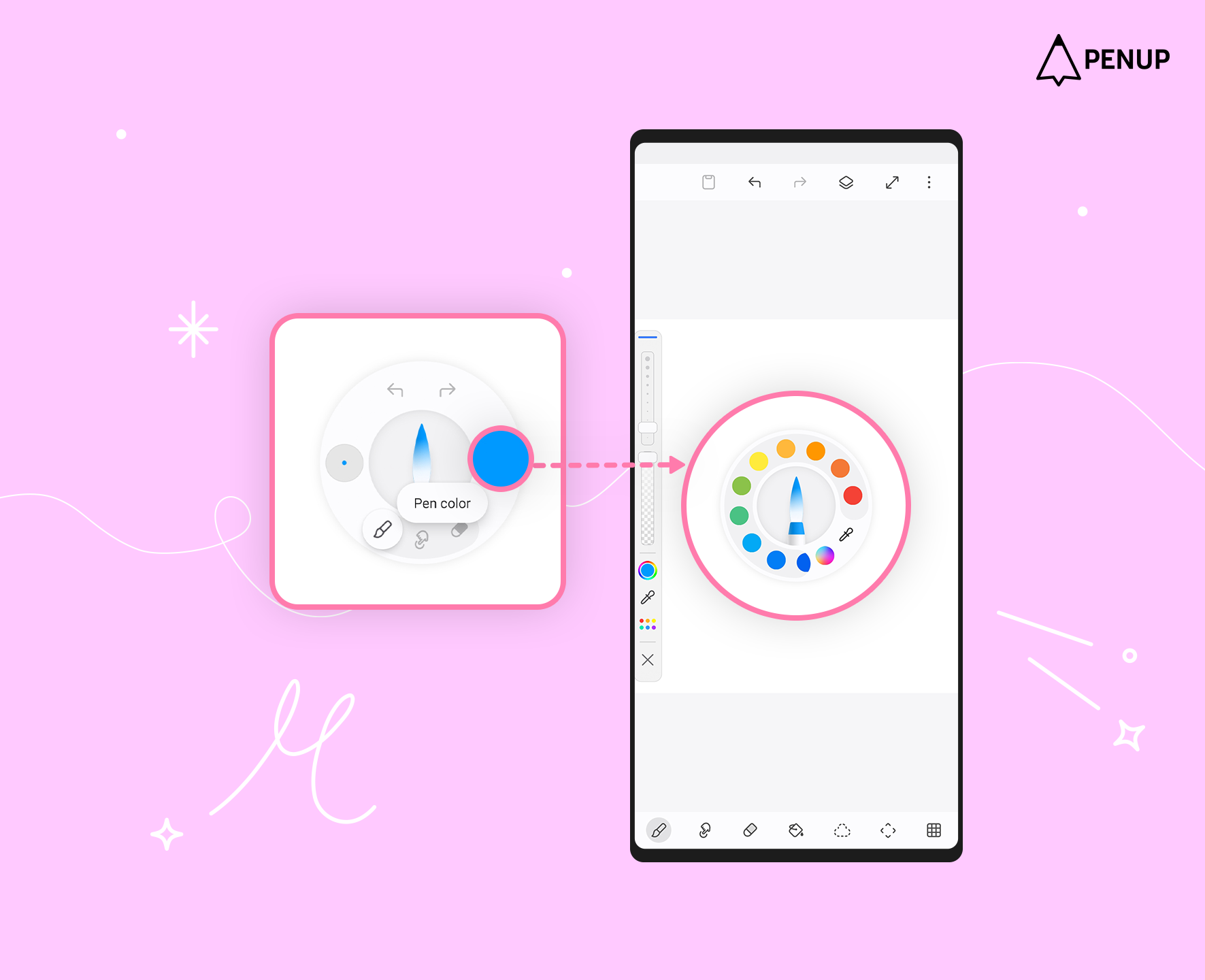
By tapping the ‘Pen color’ button on the right, you can use your saved palette or extract colors to apply.
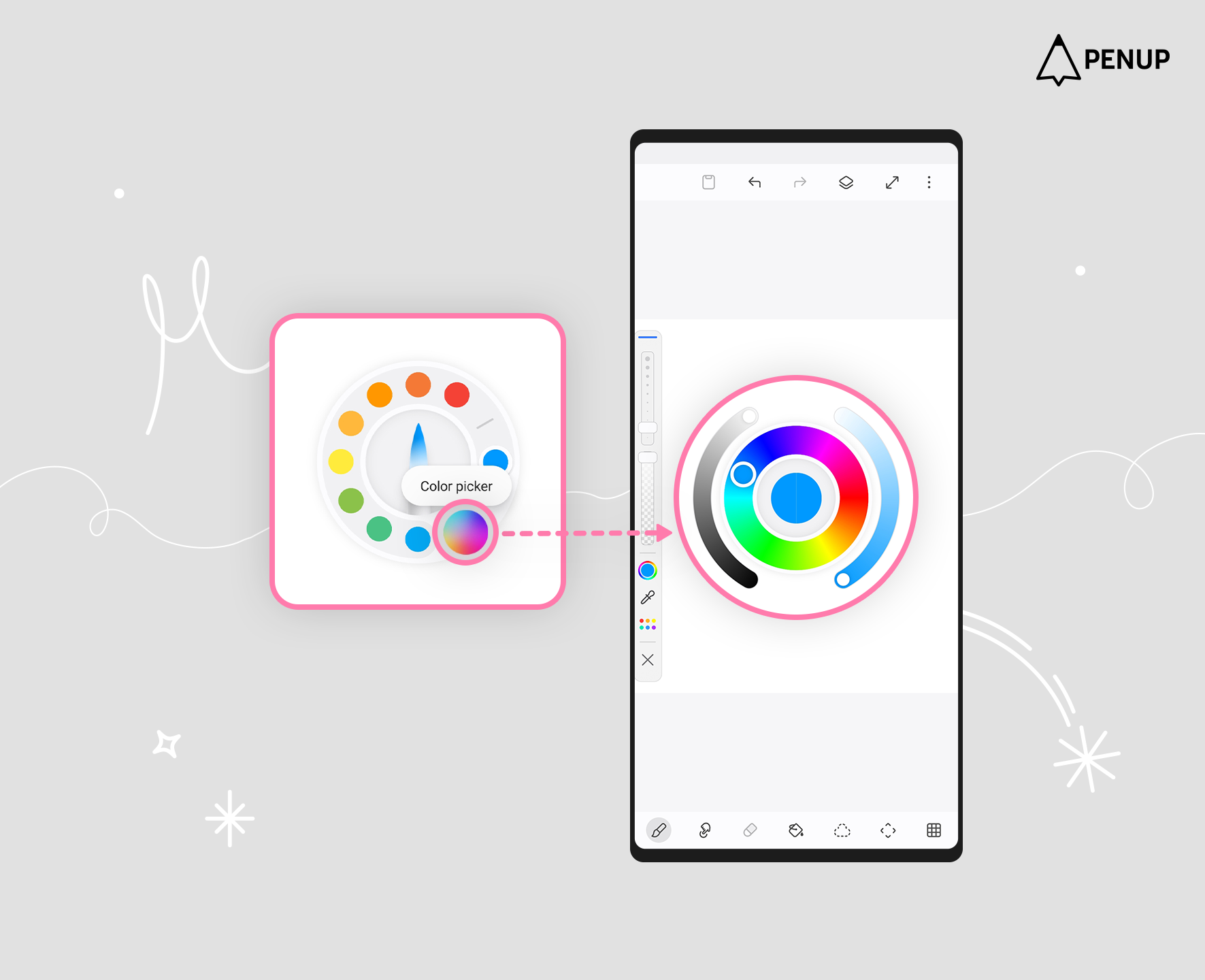
In addition, tapping the ‘Color picker’ button opens a window where you can adjust brightness and saturation.
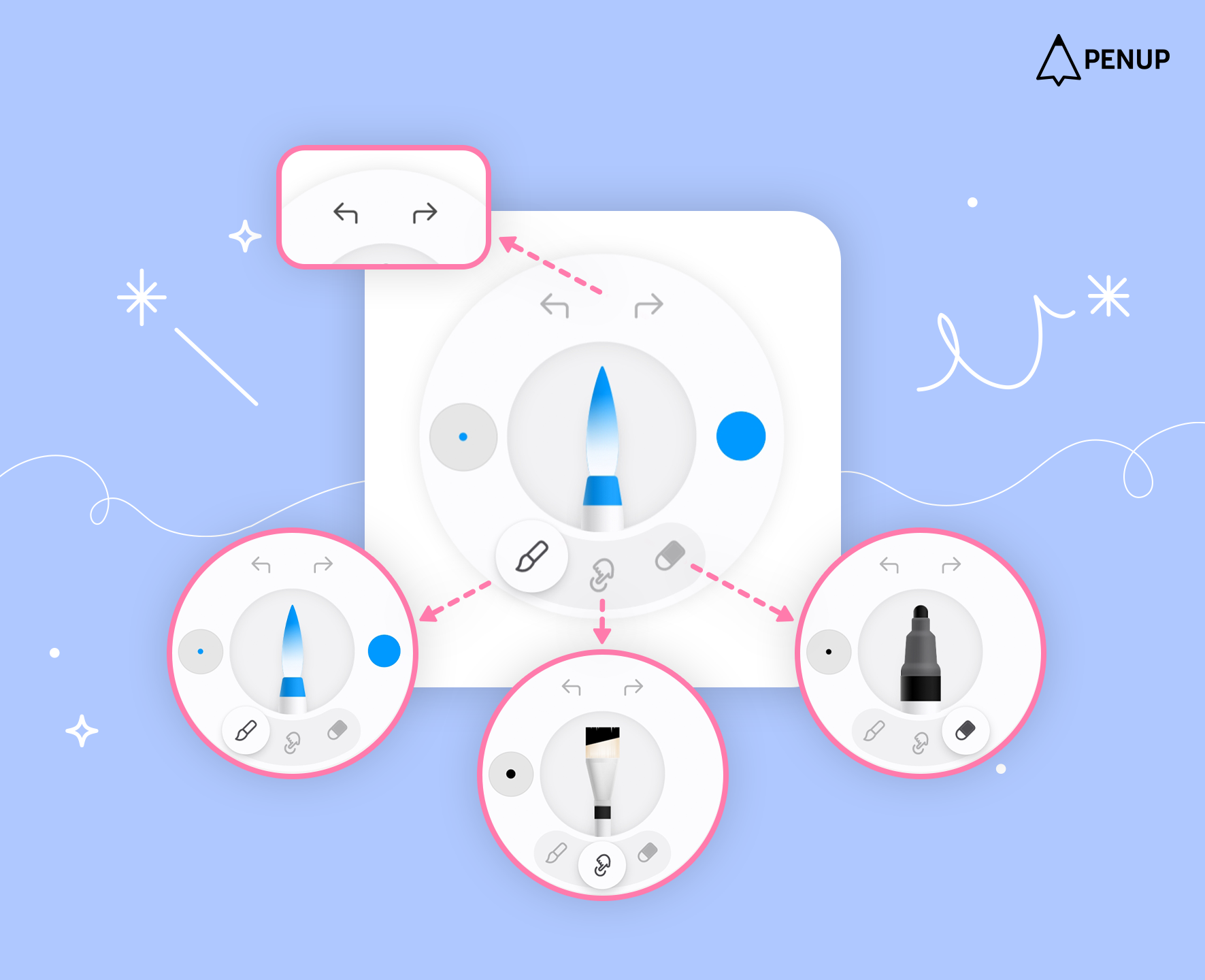
The top buttons allow you to undo or redo, and the bottom buttons let you switch between the brush, smudge, and eraser tools.
However, since this feature is activated by pressing the S Pen button, it cannot be used on devices without an S Pen.
In addition, several convenience improvements and UX enhancements have been made.
We will continue to work hard to make drawing easy and fun for you through PENUP.
Thank you.
